Collect agent activity in a clear queue
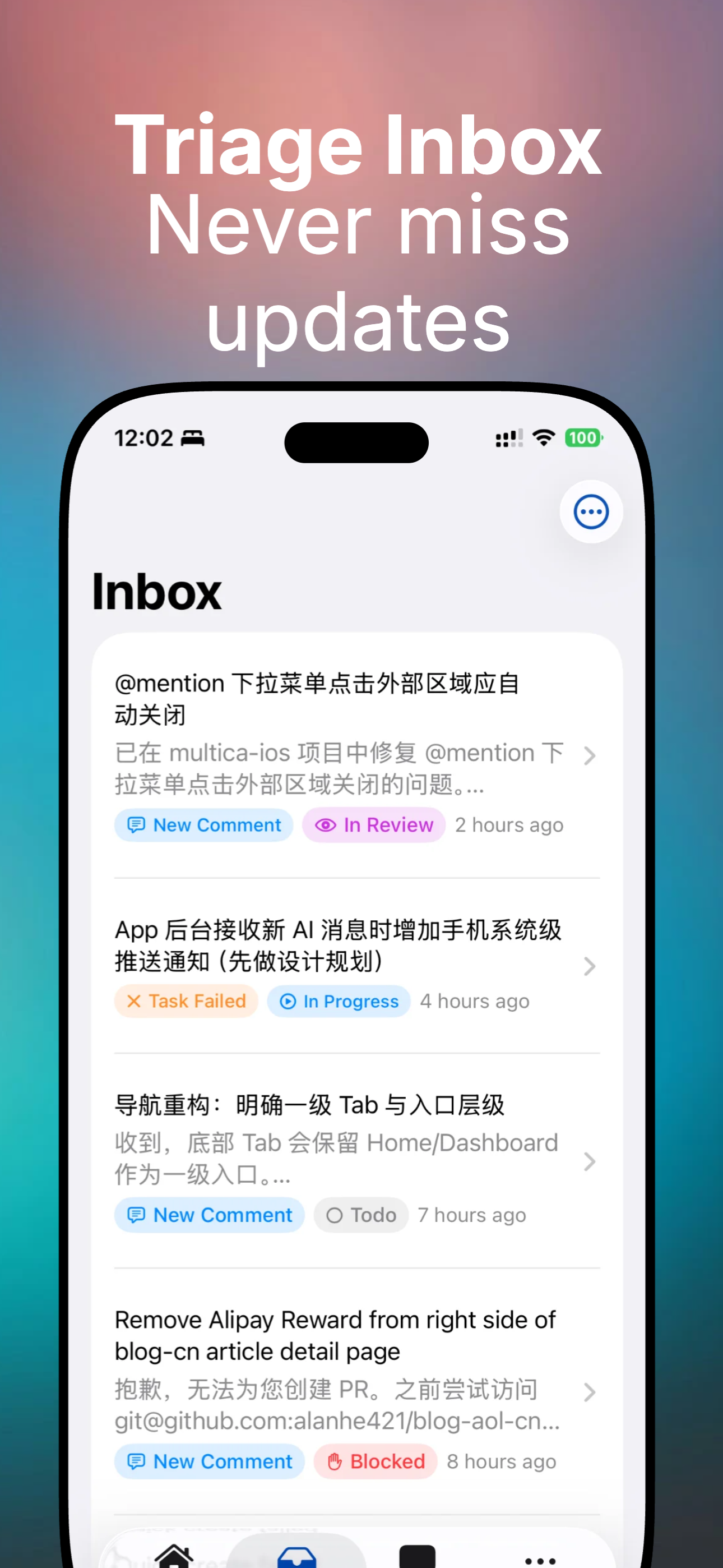
Review messages, task results, and alerts across workspaces when you need a quick mobile status pass.
 Multica Go
Unofficial Multica mobile client
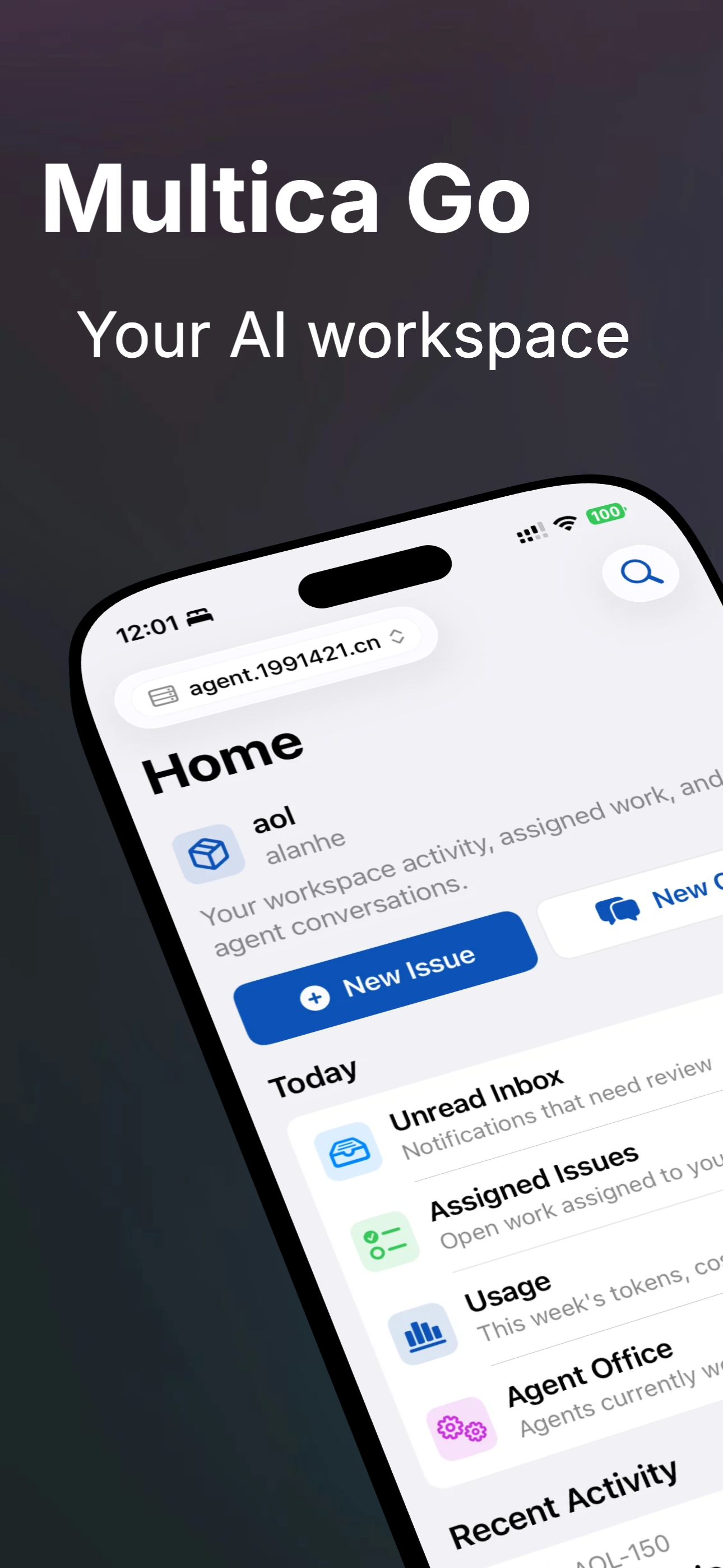
Bring agent collaboration, issue tracking, voice-driven chat, and a home screen widget into a native iPhone workspace, so you can keep up with Multica projects away from your desk.
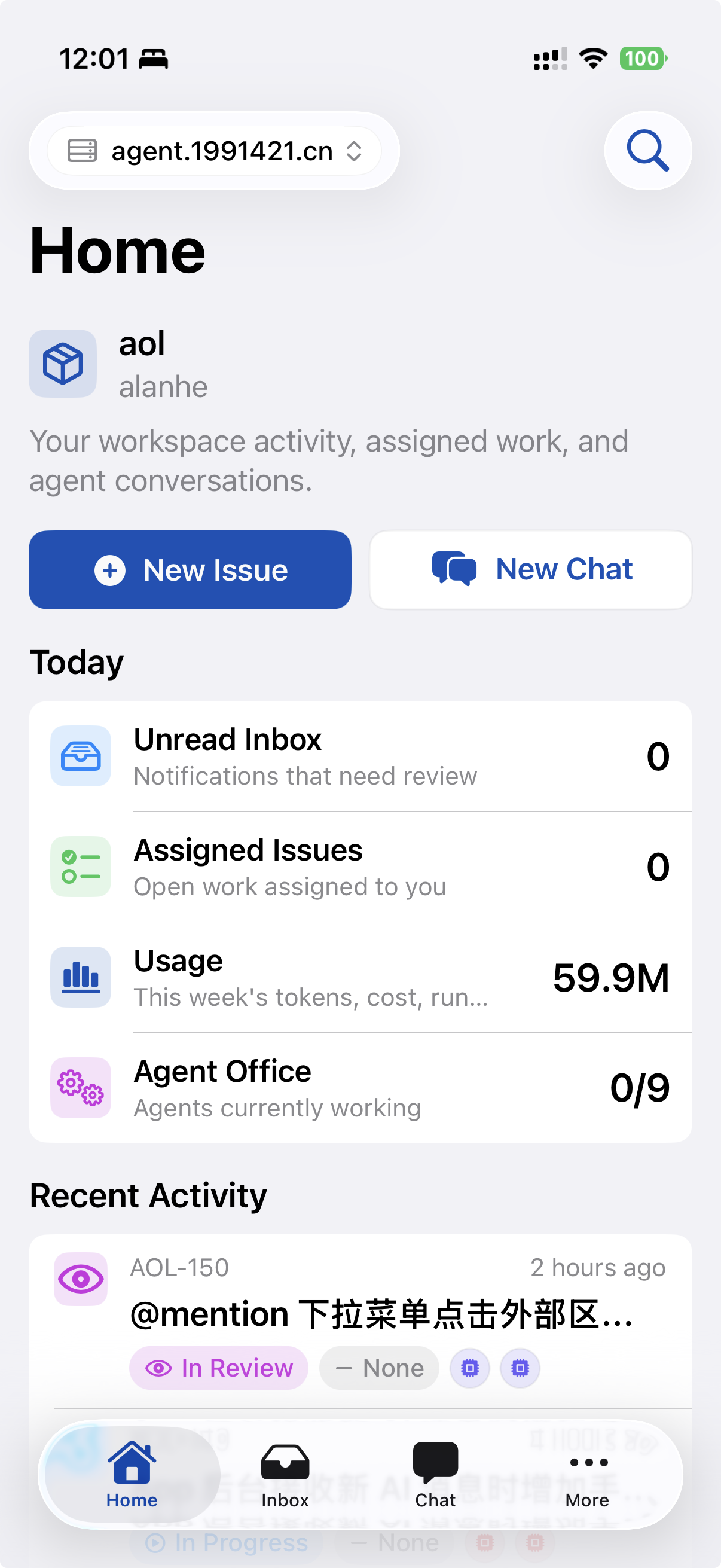
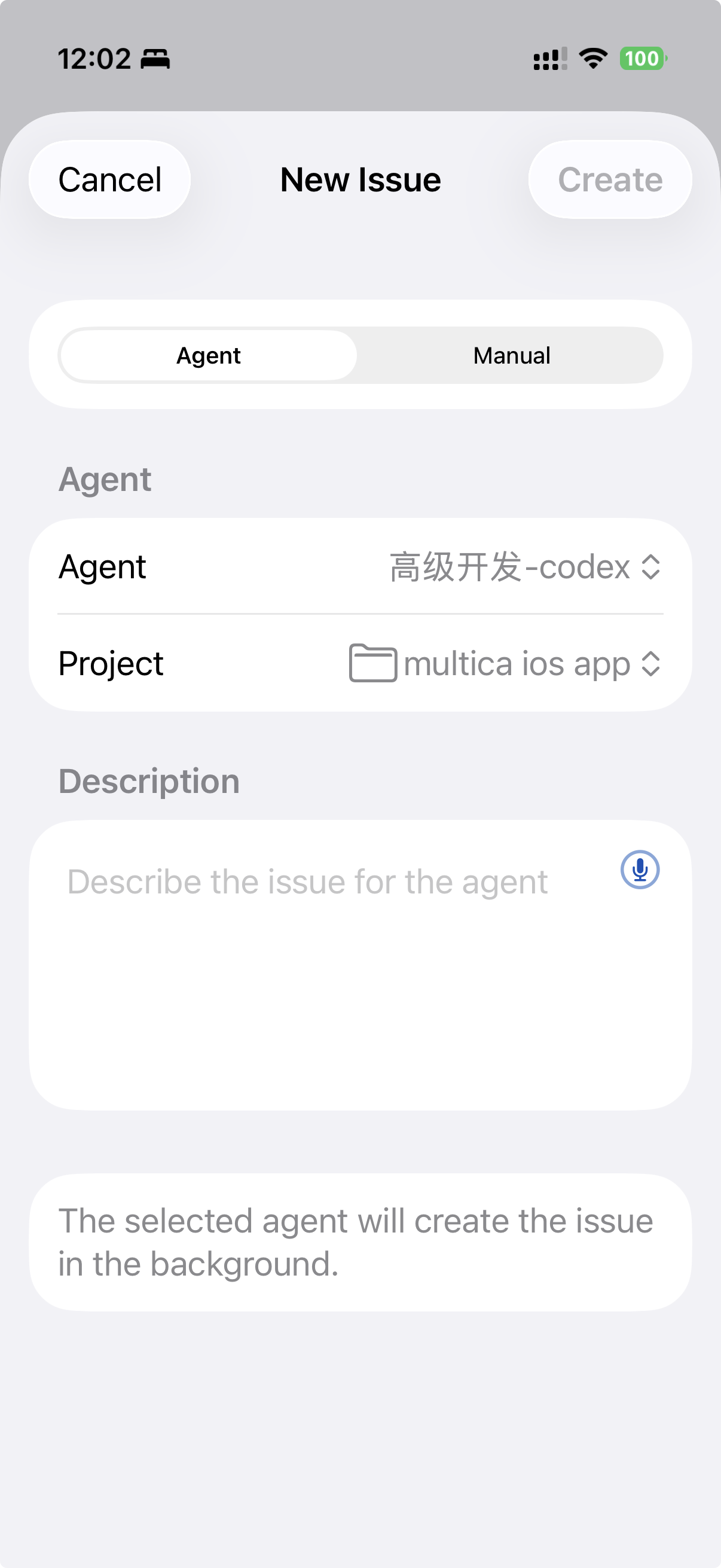
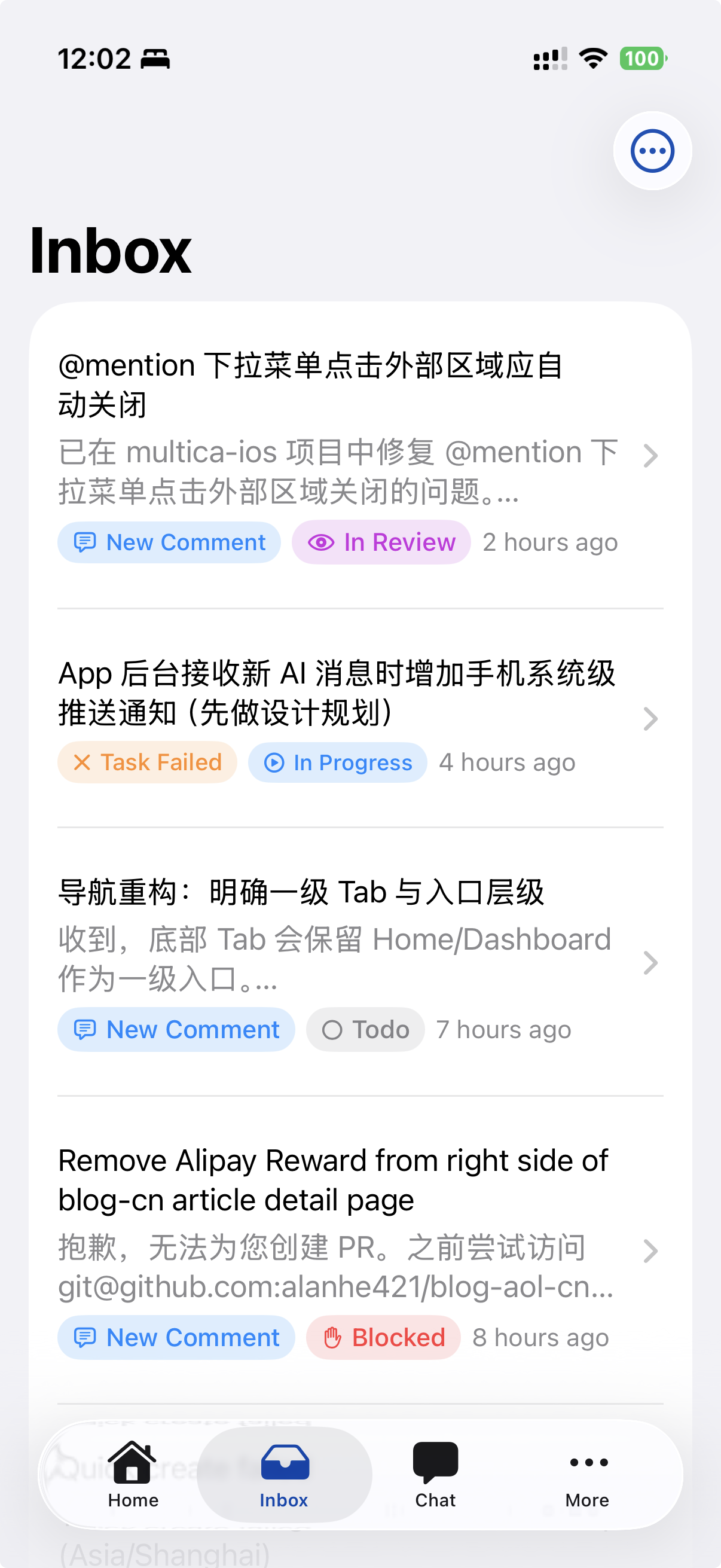
Core workflow
Review messages, task results, and alerts across workspaces when you need a quick mobile status pass.
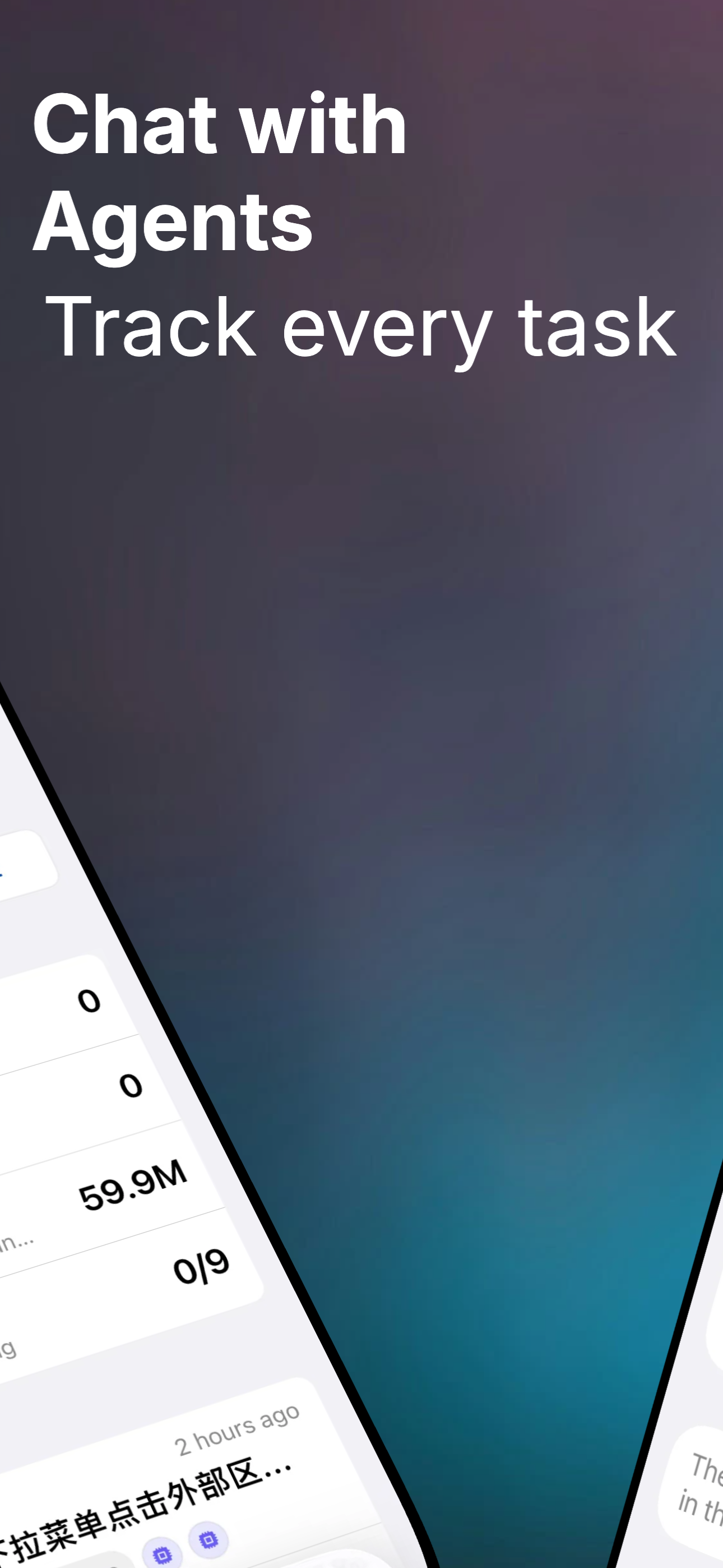
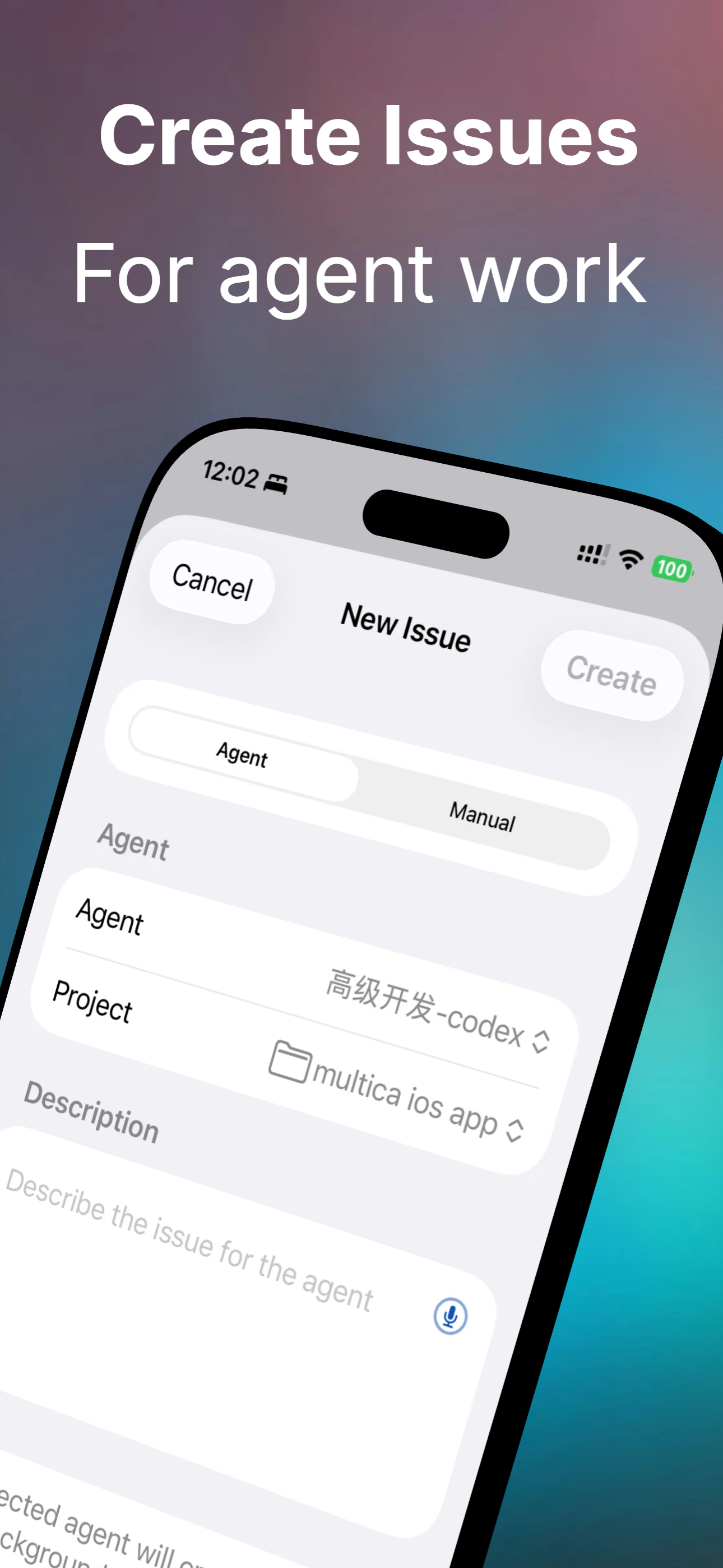
Read timelines, upload attachments, follow issue reference jumps, and manage project context during lightweight check-ins.
Use voice input, session lists, and persistent drafts to turn quick thoughts into actionable context.
More than a splash page
The page is organized around real app capabilities, so visitors see the product shape first and then understand which Multica workflows it supports.
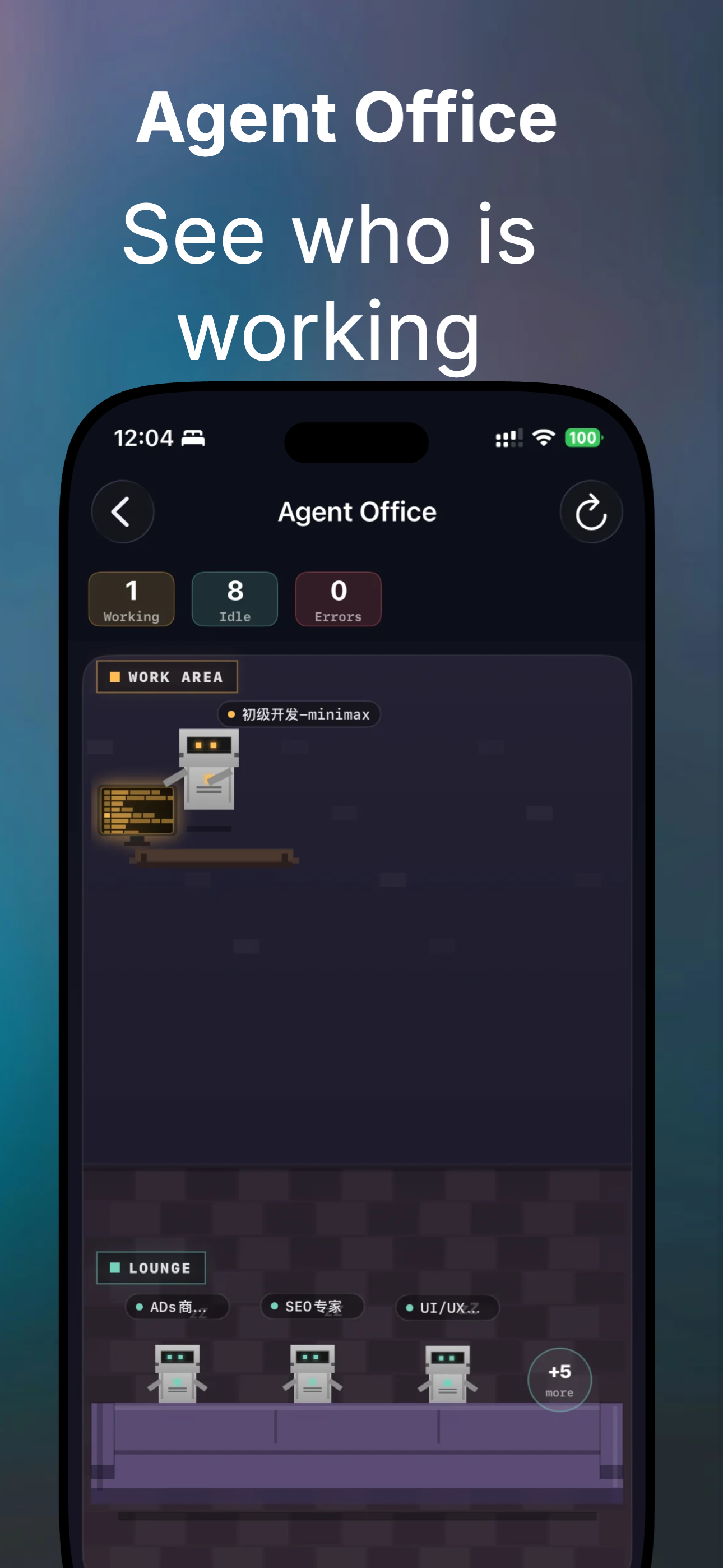
App screenshots
Android closed test
Multica Go for Android matches the iOS phone feature set, built with Material 3 and Android-native interaction patterns rather than ported iOS controls. It ships through Google Play closed testing today, with the public release coming soon.
Email to request access
Send the email address of your Google account to multicago@1991421.cn. That address is what gets added to the Play Console tester list.
Open the opt-in link and accept
Once you are confirmed, open the Google Play testing page and choose “Become a tester”. Opening it before you are on the list shows a no-access message.
Install from Google Play
After opting in you can install from the Play Store listing, and later test builds arrive as normal Play updates.
Requires Android 8.0 or later and a Google account that can reach Google Play. Send feedback to the same address.
Available Worldwide
Multica Go is now officially available in all countries on the App Store. Open the store page to install it.